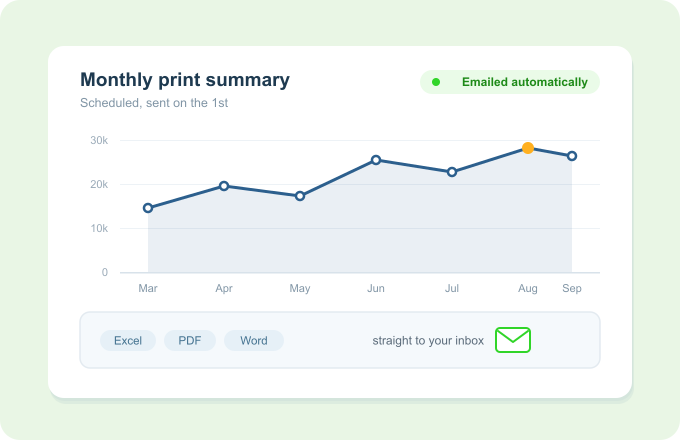
Print Director turns every print, copy, scan and call into clear summary and detailed reports, scheduled and emailed automatically in Excel, PDF or Word. Know what's happening across the fleet without running a single query.
The numbers come to you, on time, in the format you want
The problem
You are already collecting the data. Reading it is the hard part.
You know the fleet generates usage data, but pulling it into something readable is a chore.
Questions like “who prints the most colour?” mean manual digging every single time.
Reports only appear when someone remembers to run them, so trends get spotted late.
Finance wants figures in their format, not a raw export they have to reshape.
Extensive Reporting gets the right numbers to the right people, on schedule.
How it works
Choose, schedule, done
Pick summary or detail
Choose a high-level overview or a line-by-line breakdown, for prints or for calls.
Set who gets it and when
Schedule the report to build and email itself daily, weekly or monthly to the people who need it.
It arrives in your format
Reports land as Excel, PDF or Word, ready to read, forward or drop into a pack.
Key Benefits
Why teams lean on Extensive Reporting
Answers without effort
Standard summary and detailed reports mean the common questions are already covered.
On a schedule, automatically
Reports email themselves, so nobody has to remember to run them.
Prints and calls together
Usage across printing and phone calls in one reporting picture.
In the format people want
Excel for analysis, PDF for sharing, Word for packs.
Works with what you already have
It reports on everything else you've set up
Export and email in Excel, PDF, Word and more, on a schedule you choose.
Breaks down by user and department, using the identities synced from your directory.
Covers phone-call activity captured through PBX integration alongside print.